
Bright and Cheerful!
While shooting couple of weeks ago I took a single photo of a lovely lily (a mistake, but excusable as I had my 6-year old tugging me along!). The photo was under-exposed and grey. I have tried to recover from this photographic disaster using post-processing. The results and the original are below.


I used Adobe Lightroom for general photo handling and Color Efex Pro to enhance detail and contrast. I realise I have lost detail on the petals due to the original problems with the photo (which was in RAW format).
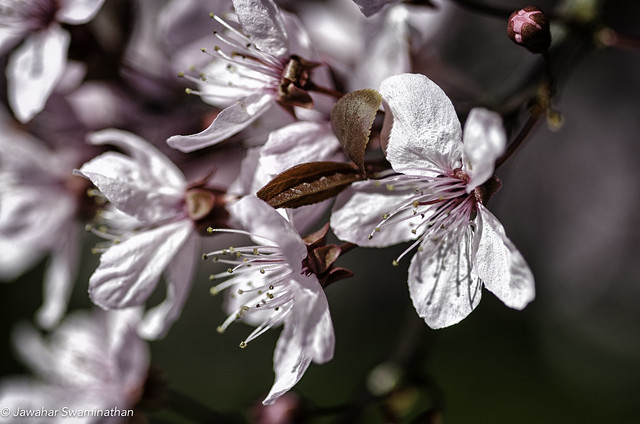
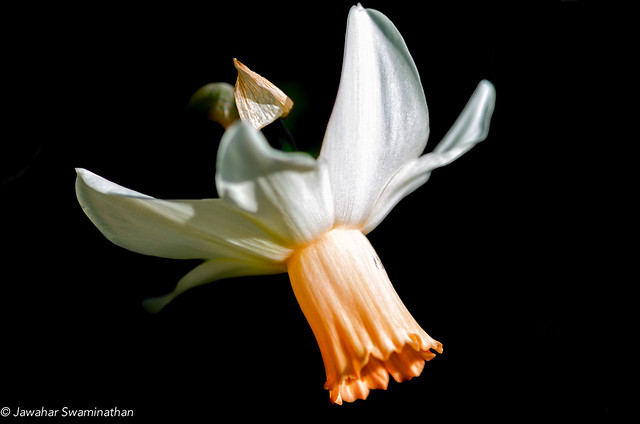
A slightly uncommon daffodil photographed at the Anglesey Abbey.
All signs suggest that spring has well and truly sprung here in East Anglia. I was at the Anglesey Abbey last weekend, and among all the bluebells, snowdrops, daffodils and hyacinths were some lovely flowering comfrey plants.

As you may already know, comfreys have long been associated with medicinal properties – particularly for the treatment of skin treatment. Their role in herbal medicine, to say the least, has been controversial. Nevertheless, they are an attractive addition to wildflower gardens.
Technical Details:
f/4.0, 1/640, ISO 100
Processed in Adobe Photoshop Lightroom
 This is one from ages ago (10 years to be exact!). I find going back to my older pictures and re-processing them a source of great satisfaction. Also a useful activity on days when getting outside to take new photos is impractical or impossible (day job etc)..

Photo Details:
Nikon D80 with Nikon 18-55mm Lens
ISO 100, 1/200 sec, f/7.1
Edited in Adobe Lightroom to mask background, increase clarity and some minor tonal curve adjustments.

Photographed at Anglesey Abbey in Lode, Cambridgeshire. Post-processed in Adobe Lightroom and NIK Color Efex Pro.
With the weather going from bad to worse here in the UK, the scope for outdoor photography has been limited. I therefore, took to an indoor experiment using a bunch of flowers under natural lighting. Both pictures are from 3-shot bracketed exposures at -2, 0 and +2 at f/3.2 1/40, 1/1o and 0.4 second exposures. Merged in Photomatix Pro. I would love to hear from you!!


Not the cast of an improbable movie, but a photograph of a fat legged beetle (Flower Beetle/Oedemera nobilis) on a Doves-Foot Cranesbill flower (Geranium molle)!

 Juridicious